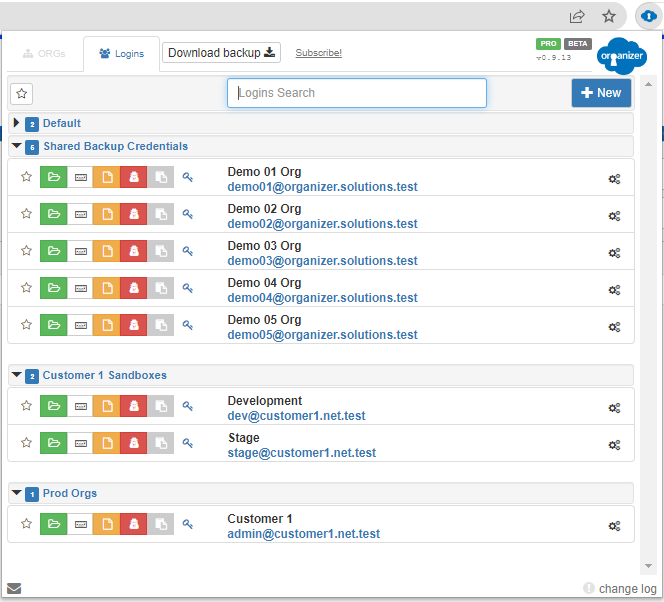
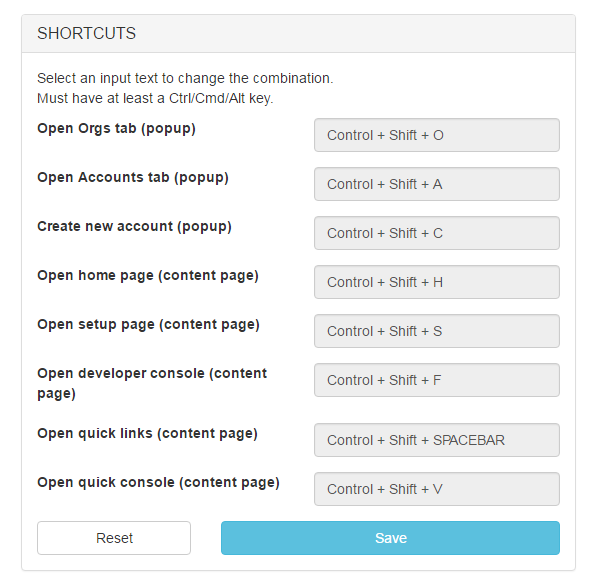
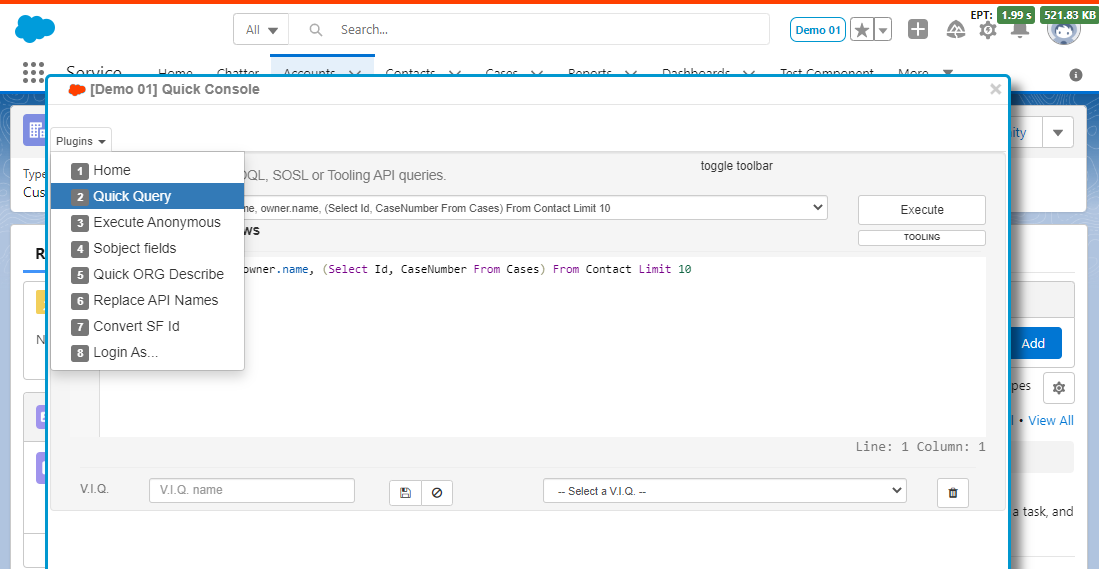
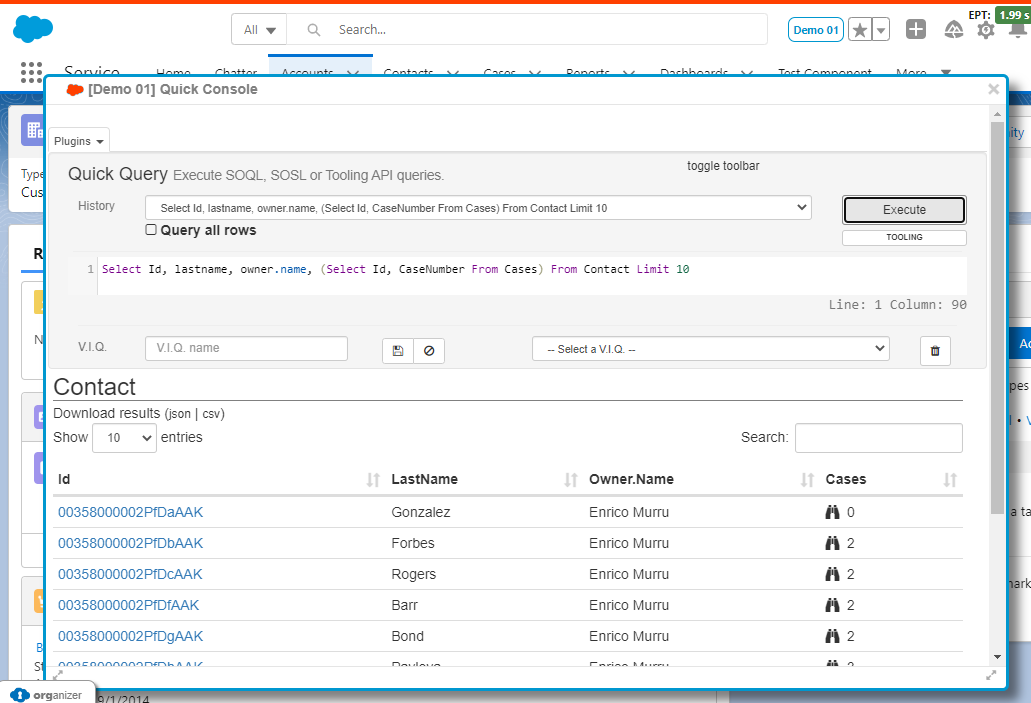
ORGs customization
Configure Salesforce tabs' icons and titles
Power on your device and connect to a stable Wi-Fi network at the Welcome screen. Access the Privacy Statement: Go back to the initial Welcome screen and tap on Emergency Call *#*#6130#*#* to open the testing menu. Alternative:
This is a long shot for 2023, but some users report success on unpatched devices. huawei p8 lite 2017 frp bypass 2023
Turn off the device.Press and hold Volume Up + Power button to enter Recovery Mode.Select "Wipe data/factory reset" and confirm.Once finished, select "Safe Mode" from the recovery options.The phone will boot into Safe Mode. Go to Settings > Advanced settings > Backup & reset > Factory data reset.The phone will reboot normally, and the FRP lock should be gone.ConclusionBypassing the FRP lock on a Huawei P8 Lite 2017 is still possible in 2023 using these manual methods. Always remember to remove your Google account before performing a factory reset in the future to avoid this issue. If you encounter any problems, ensure your internet connection is stable and you are using the correct APK versions for Android 7.0. Power on your device and connect to a
Before diving into the bypass methods, it is essential to understand what you are up against. FRP is a security feature introduced by Google on Android devices running Lollipop (5.1) and higher. Its primary purpose is to deter theft. Turn off the device