More than a link shortener
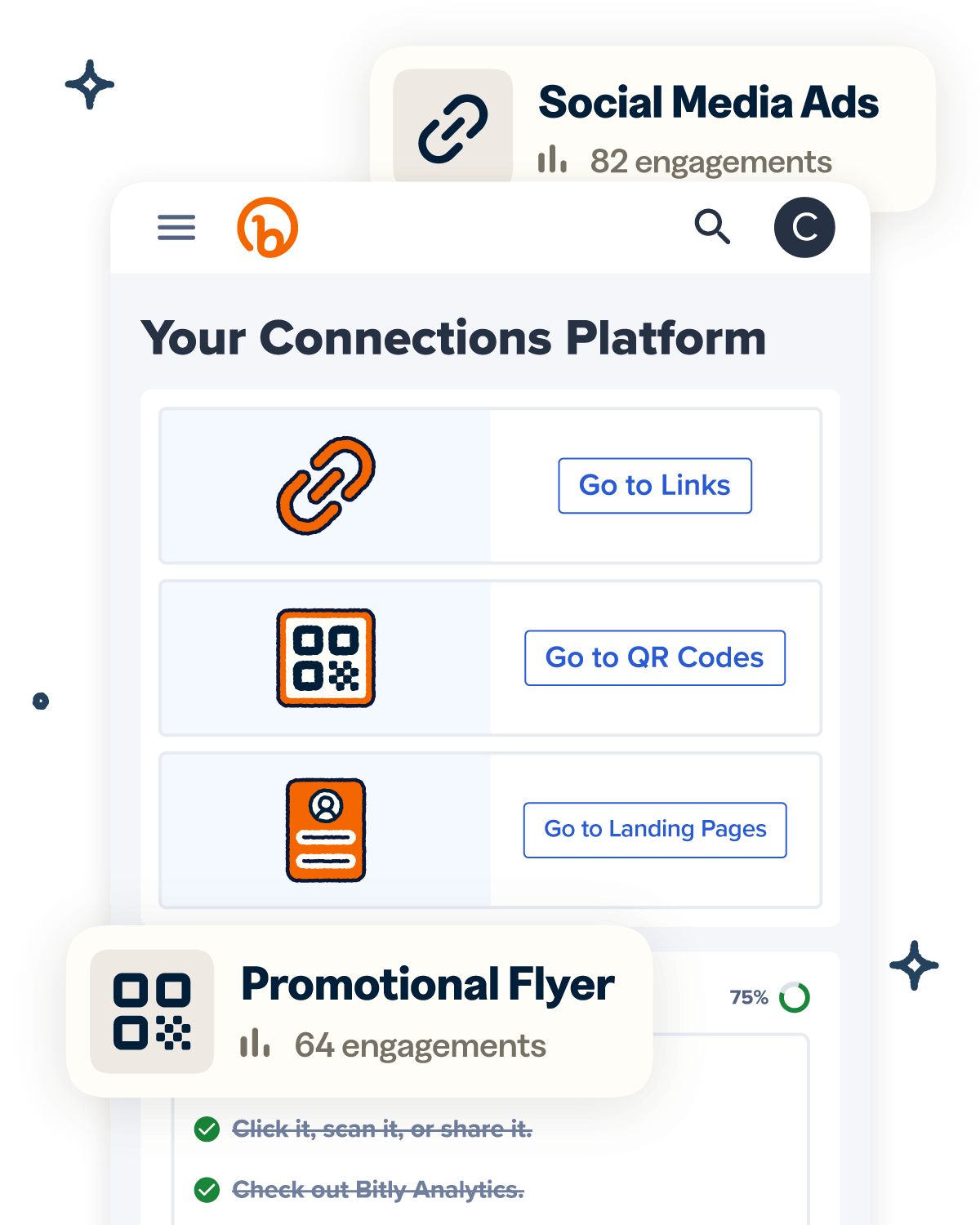
Knowing how your clicks and scans are performing should be as easy as making them. Track, analyze, and optimize all your connections in one place.

One of the most common hardware-software failures on the iPhone 7 and 8 series is baseband corruption. This can happen due to failed updates, physical damage to the baseband CPU, or corruption of the NV item files. When the iPhone loses its baseband info, it cannot connect to a cellular network. Diag Mode allows the technician to write a fresh QCN (Qualcomm Calibration Network) backup to restore the IMEI and network settings.
Thus, represents the final frontier of DIY deep-level baseband unlocking. After these models, only paid MDM removals or factory server unlocks exist. file diag mode ip 7g-7p-8g-8p-x unlocktool
“Analysis of Diagnostic Modes in Modern Smartphones: Security Implications for Forensic Access and Unauthorized Unlocking” One of the most common hardware-software failures on
Modifying system files or Serial Numbers can potentially brick your device or void warranties. Use these files at your own risk. Ensure you have a backup of the original data before proceeding. Download Link: [Insert your link here] Key Tips for a Great Post: Diag Mode allows the technician to write a
: Once the device screen turns purple (or shows diagnostic text), use the Change Serial functions to update the device identity for the bypass. UnlockTool Update download link
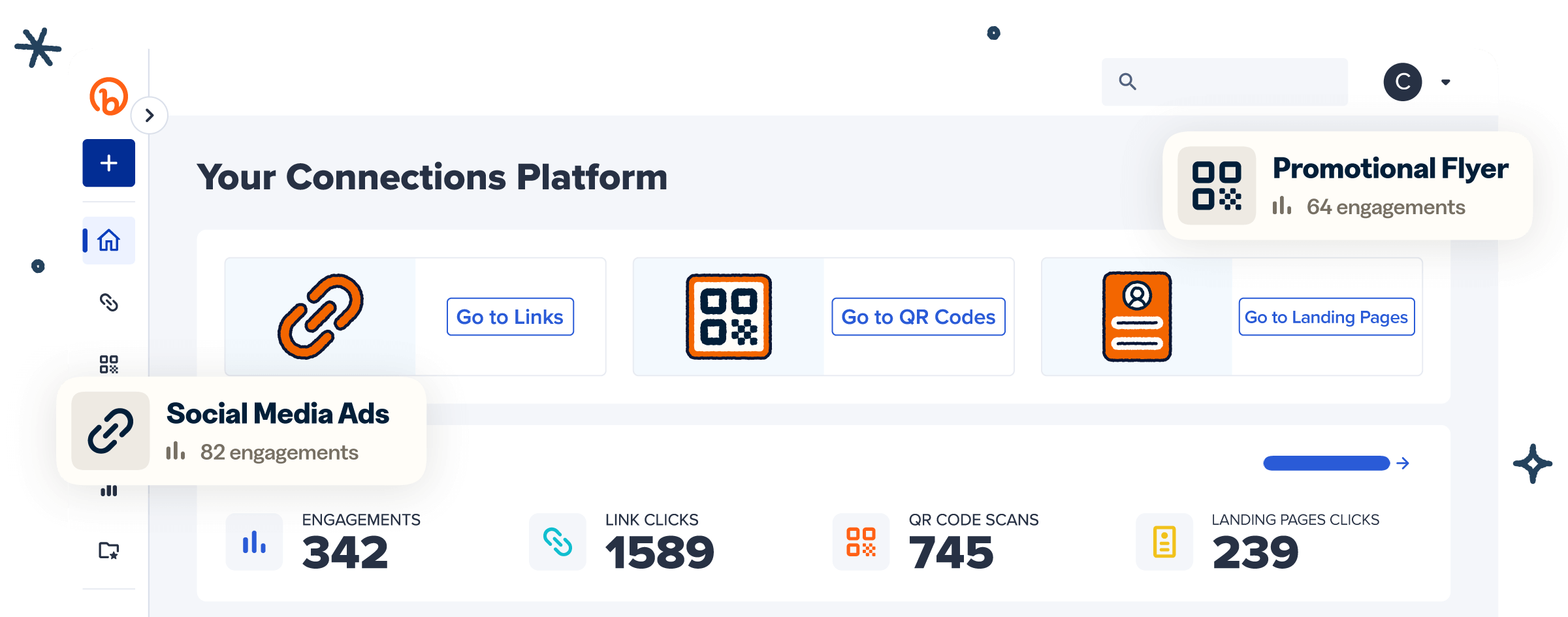
Knowing how your clicks and scans are performing should be as easy as making them. Track, analyze, and optimize all your connections in one place.
WAIT A SECOND…
Take Bitly for a spin with our free plan. It’s 100% free—no commitment, no risk and no pressure.
See why millions of people trust Bitly with their links, QR Codes and analytics.
Try Bitly for free